Getting Started
Step 1 — Download the AuctionsPlus Mobile App
To receive real-time notifications of a beaten bid, install the AuctionsPlus app on your mobile device:
- Download from the App Store (iPhone) or Google Play (Android)
- Log in with your existing AuctionsPlus account credentials
- Link to detailed instructions detailing How to install the AuctionsPlus mobile app
Step 2 — Connect to bid
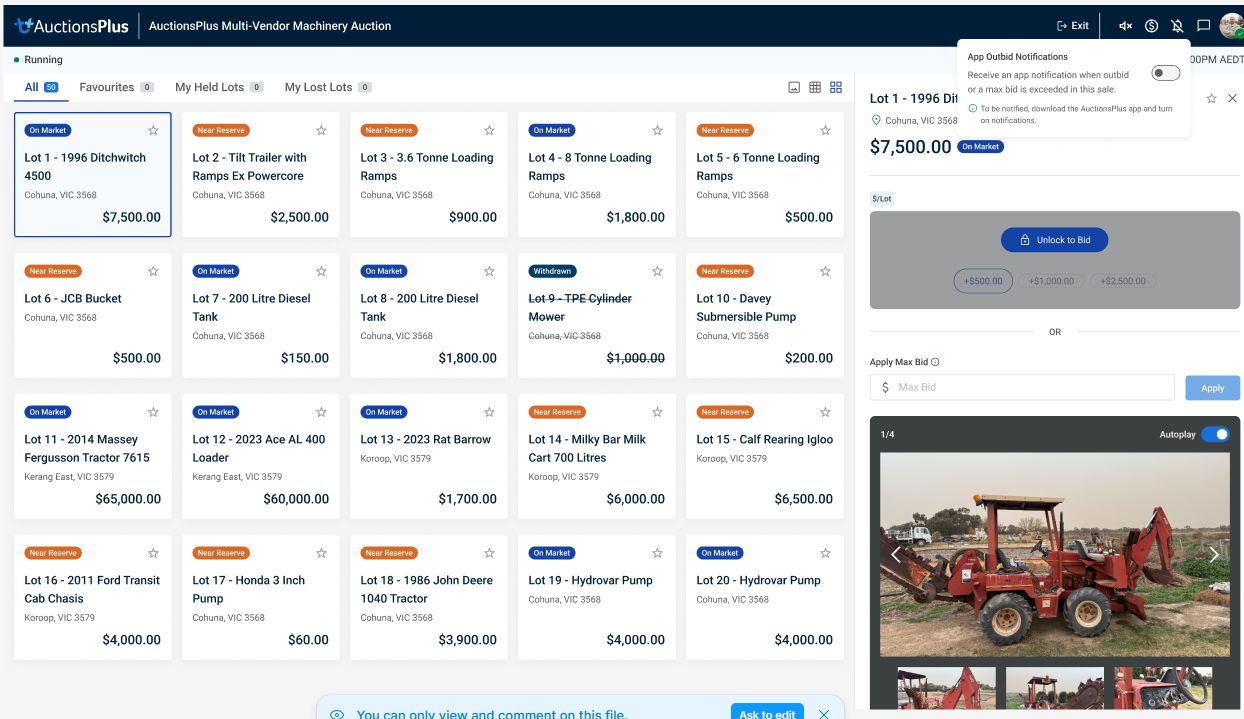
Receiving an outbid notification will be automatically enabled upon your first bid in any sale. AuctionsPlus will provide a small prompt to remind you that you will be notified.
- Toggle off, or on, at any time by clicking the Notification icon
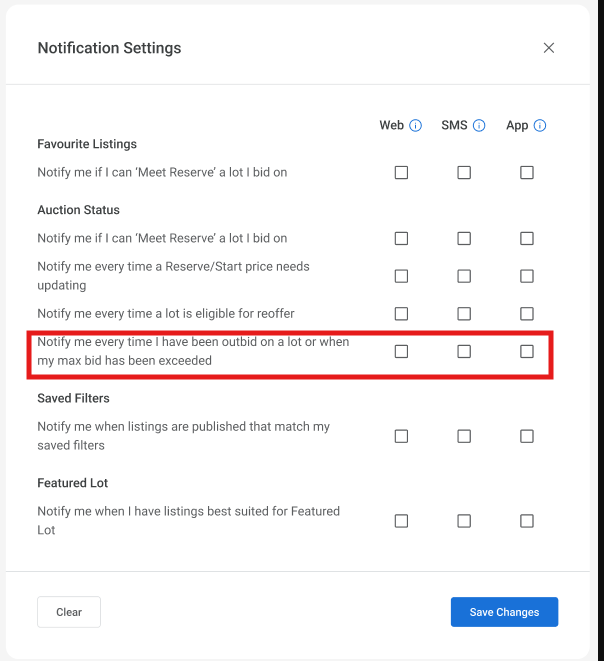
Want to deactivate this notification for all future bids?
No problem. All notification can be managed from the Notifications Settings in your AuctionsPlus dashboard. (Click Here)